
4. Permissions
In this step we add a permission model that controls who can read, create, edit, and delete posts. Permissions are defined once and enforced automatically at the database query level — no scattered if checks in your loaders.
By the end of this step, readers will only see published posts, authors can manage their own drafts, editors can manage all posts, and admins can do everything.
New dependencies
Section titled “New dependencies”| Package | Why |
|---|---|
@cfast/permissions | Defines roles, grants, and row-level access rules |
@cfast/db was already installed in Step 2. Now we use its permission-aware createDb() instead of raw Drizzle.
New and changed files
Section titled “New and changed files”Directorystep-04-permissions/
Directoryapp/
- permissions.ts — role and grant definitions (new)
- schema.ts — updated with
publishedcolumn - db.server.ts — updated to use createDb with grants
- auth.server.ts — updated to use real permissions
Directoryroutes/
- home.tsx — updated to use permission-aware queries
- package.json — updated
The permission model
Section titled “The permission model”Before writing code, let us design the access control:
| Role | Read posts | Create | Edit own | Edit any | Delete own | Delete any |
|---|---|---|---|---|---|---|
| reader | published only | — | — | — | — | — |
| author | published only | yes | yes | — | yes | — |
| editor | all | yes | yes | yes | yes | yes |
| admin | all | yes | yes | yes | yes | yes |
This is a hierarchical model: each role inherits everything from the role below it. An editor can do everything an author can, plus more.
Walkthrough
Section titled “Walkthrough”-
Define permissions
definePermissions()declares roles, a hierarchy, and grants. Each grant specifies an action, a table, and an optionalwhereclause for row-level filtering.app/permissions.ts import { definePermissions } from "@cfast/permissions";import { eq } from "drizzle-orm";import { posts } from "./schema";export type AuthUser = {id: string;email: string;name: string;roles: string[];};export const permissions = definePermissions<AuthUser>()({roles: ["reader", "author", "editor", "admin"] as const,hierarchy: {author: ["reader"],editor: ["author"],admin: ["editor"],},grants: (grant) => ({reader: [grant("read", posts, {where: () => eq(posts.published, true),}),],author: [grant("create", posts),grant("update", posts, {where: (_cols, user) => eq(posts.authorId, user.id),}),grant("delete", posts, {where: (_cols, user) => eq(posts.authorId, user.id),}),],editor: [grant("read", posts),grant("update", posts),grant("delete", posts),],admin: [grant("manage", "all"),],}),});Key concepts:
hierarchy—author: ["reader"]means authors inherit all reader grants. You only define the additional grants per role.whereclauses — These become SQLWHEREconditions at query time. A reader’sreadgrant on posts addsWHERE published = trueto every query.- Grant resolution — When a role has multiple grants for the same action+table (from its own grants plus inherited ones),
whereclauses areOR’d together. An unrestricted grant always wins. So an editor inherits the reader’sWHERE published = truebut also hasgrant("read", posts)with no filter, which means editors see all posts. grant("manage", "all")— A shorthand that grants full CRUD access to every table. Admins bypass all row-level filters.
-
Add a
publishedcolumn to postsThe permission model references
posts.published, so we need it in the schema.app/schema.ts export const posts = sqliteTable("posts", {id: integer("id").primaryKey({ autoIncrement: true }),title: text("title").notNull(),content: text("content").notNull(),authorId: text("author_id").notNull().references(() => users.id),published: integer("published", { mode: "boolean" }).notNull().default(false),createdAt: integer("created_at", { mode: "timestamp" }).notNull().$defaultFn(() => new Date()),}); -
Switch to permission-aware database queries
Replace the raw Drizzle client with
@cfast/db’screateDb(). This wraps every query in a permission check.app/db.server.ts import { createDb } from "@cfast/db";import type { Grant } from "@cfast/permissions";import * as schema from "./schema";import { env } from "./env.server";export function getCfDb(grants: Grant[],user: { id: string } | null,) {const { DB } = env.get();return createDb({d1: DB,schema,grants,user,cache: false,});}What changed: Instead of
drizzle(DB, { schema }), we usecreateDb()which accepts the user’s resolved grants. Every query through this instance automatically:- Checks whether the user’s role has a grant for the operation
- Injects row-level
WHEREclauses from matching grants - Throws
ForbiddenErrorif the role lacks a required grant
-
Update auth to use the real permissions
Replace the minimal permissions from Step 3 with the full model.
app/auth.server.ts import { createAuth } from "@cfast/auth";import { permissions } from "./permissions";import { env } from "./env.server";export const initAuth = createAuth({permissions,magicLink: {sendMagicLink: async ({ email, url }) => {console.log(`[Magic Link] Send to ${email}: ${url}`);},},session: { expiresIn: "30d" },defaultRoles: ["reader"],});// getAuth, getAuthContext, requireAuthContext... -
Use permission-aware queries in the home page
The key change: instead of manually filtering by
published = true, we let the permission system do it.app/routes/home.tsx import type { LoaderFunctionArgs } from "react-router";import { useLoaderData, Link } from "react-router";import { env } from "../env.server";import { getCfDb } from "../db.server";import { getAuthContext } from "../auth.server";import { posts } from "../schema";export async function loader({ request, context }: LoaderFunctionArgs) {env.init(context.cloudflare);const authCtx = await getAuthContext(request);const db = getCfDb(authCtx.grants,authCtx.user ? { id: authCtx.user.id } : null,);// No manual WHERE clause for published status!// The permission system adds it based on the user's role.const visiblePosts = await db.query(posts).findMany({orderBy: (cols, { desc }) => desc(cols.createdAt),}).run({});return {posts: visiblePosts,user: authCtx.user? { id: authCtx.user.id, email: authCtx.user.email }: null,};}What happens at query time:
User role Generated SQL anonymous / reader SELECT * FROM posts WHERE published = 1 ORDER BY created_at DESCauthor SELECT * FROM posts WHERE published = 1 ORDER BY created_at DESCeditor SELECT * FROM posts ORDER BY created_at DESCadmin SELECT * FROM posts ORDER BY created_at DESCThe same
db.query(posts).findMany()call produces different SQL depending on who is making the request. This is application-level Row-Level Security.
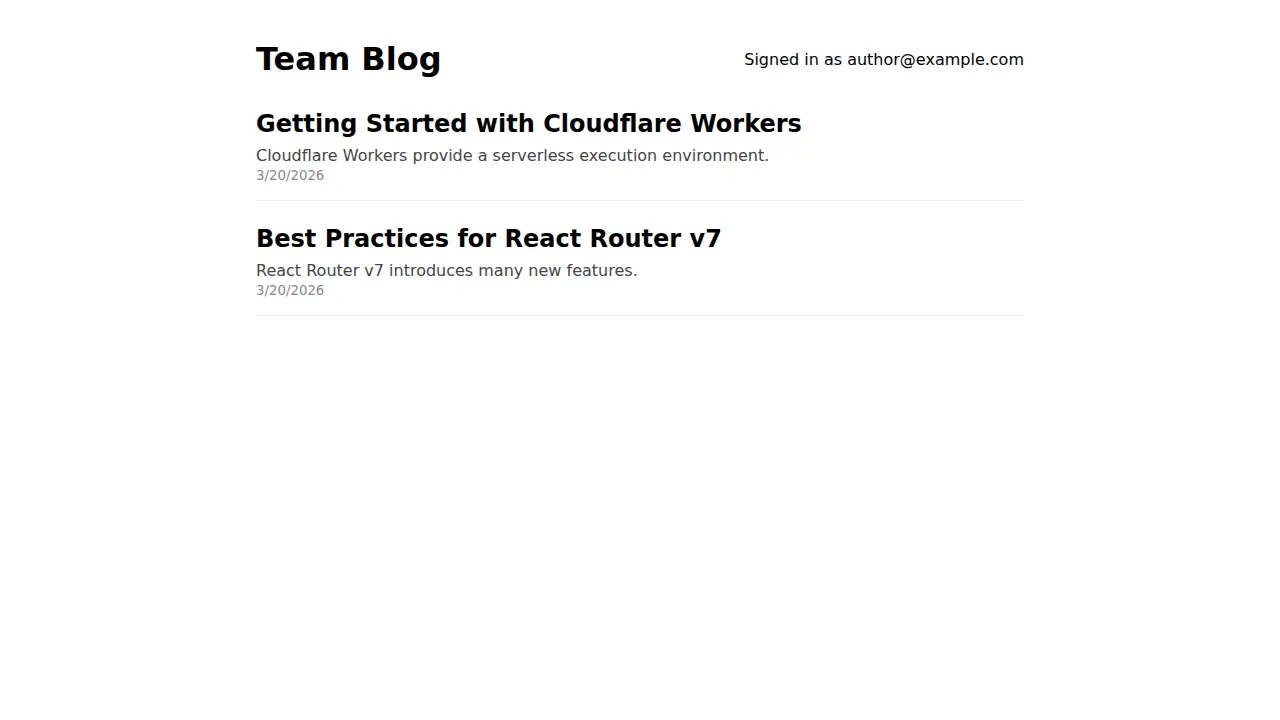
Here is how the same page looks for different roles. An author sees the “New Post” button:
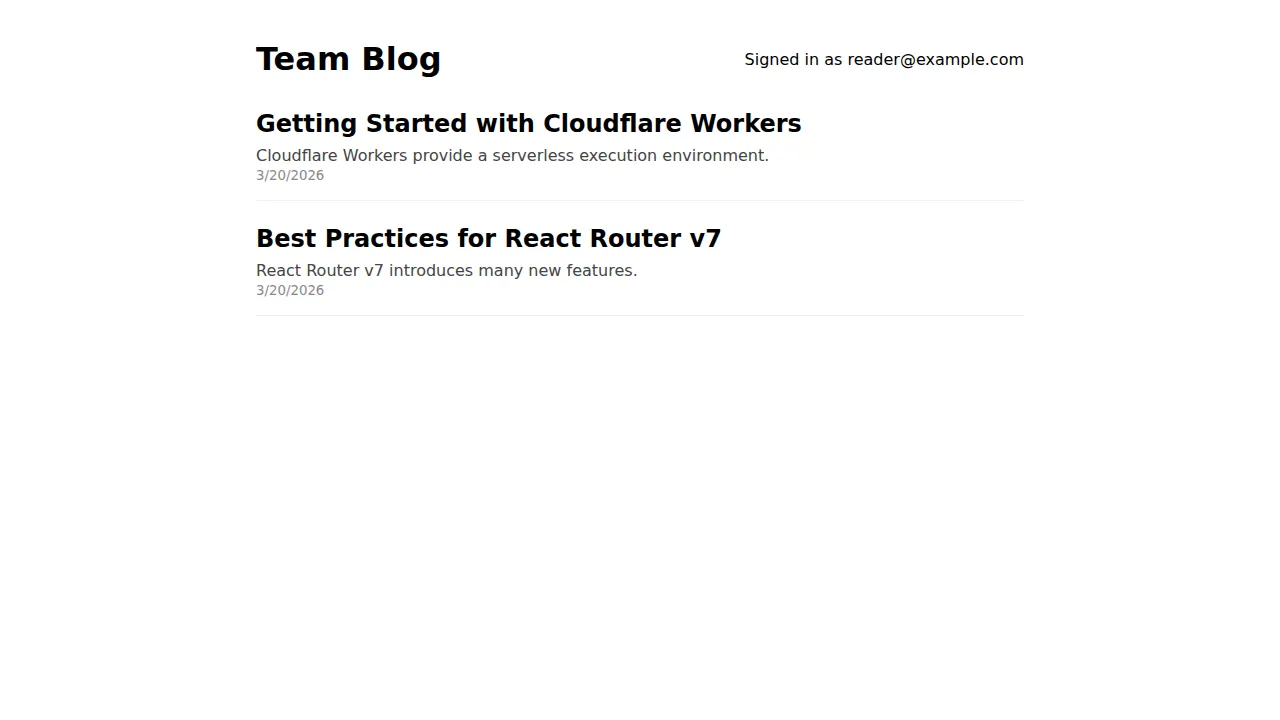
A reader sees only published posts and no action buttons:
How permissions flow through the system
Section titled “How permissions flow through the system”definePermissions() → roles, hierarchy, grants ↓createAuth({ permissions }) → resolves grants for authenticated user's roles ↓authCtx.grants → the user's resolved Grant[] array ↓createDb({ grants, user }) → binds grants to every Operation ↓db.query(posts).findMany().run({}) → checks grants, injects WHERE, executes SQLThe permission definitions in permissions.ts are the single source of truth. They flow through auth (which resolves which grants apply to the current user’s roles) into the database layer (which enforces them as SQL conditions).
Why this matters
Section titled “Why this matters”In Step 2, we manually wrote db.select().from(posts) with no access control. Any user — authenticated or not — could see every post, including drafts. You might add a WHERE published = true check in the loader, but:
- You have to remember to add it to every query that touches posts
- A new endpoint added by another developer might forget it
- The check and the query are in different places, so they can drift apart
With @cfast/permissions, the access rule is defined once and applied everywhere. You cannot query the posts table through @cfast/db without the permission filter being applied. The only way to bypass it is db.unsafe(), which is explicit and greppable.
Testing permissions
Section titled “Testing permissions”You can verify permission behavior by signing in with different users and checking what posts are visible. Create test users with different roles:
# After creating a user via magic link, promote them:# (This would use @cfast/auth's role management in a real app)npx wrangler d1 execute DB --local \  --command "INSERT INTO posts (title, content, author_id, published) VALUES ('Published Post', 'Visible to all.', 'user-1', 1)"
npx wrangler d1 execute DB --local \  --command "INSERT INTO posts (title, content, author_id, published) VALUES ('Draft Post', 'Only visible to editors+.', 'user-1', 0)"
A reader sees only “Published Post”. An editor sees both.
What we have built
Section titled “What we have built”After four steps, the team blog has:
- Project foundation — React Router v7 on Cloudflare Workers with SSR
- Database — D1 + Drizzle ORM with type-safe schemas and validated bindings
- Authentication — Passwordless login with magic email links
- Permissions — Role-based access control with automatic row-level filtering
Every piece is composable. The permission model is separate from the auth system, the database layer consumes both, and the route loaders wire them together per-request. Adding a new table or role means updating schema.ts and permissions.ts — the rest follows automatically.